
Will your phone work in China? Yes — but not exactly the way it does at home. Some of the apps you use every day, including Google services, WhatsApp, and Instagram, cannot connect directly from mainland China, and a few of them are replaced by local equivalents that are arguably better for travel there. With about thirty minutes of preparation before departure, your phone will do everything you need. Here is what to set up and what to expect.
First, decide how you will get data
You have three practical options, and the best one is usually the simplest.
International roaming
Check with your home carrier before you fly. Roaming keeps your own number working, which matters for receiving SMS verification codes from banks and booking sites. The downside is cost — roaming packages vary hugely between carriers, and data can be slow or capped.
A China eSIM or SIM card
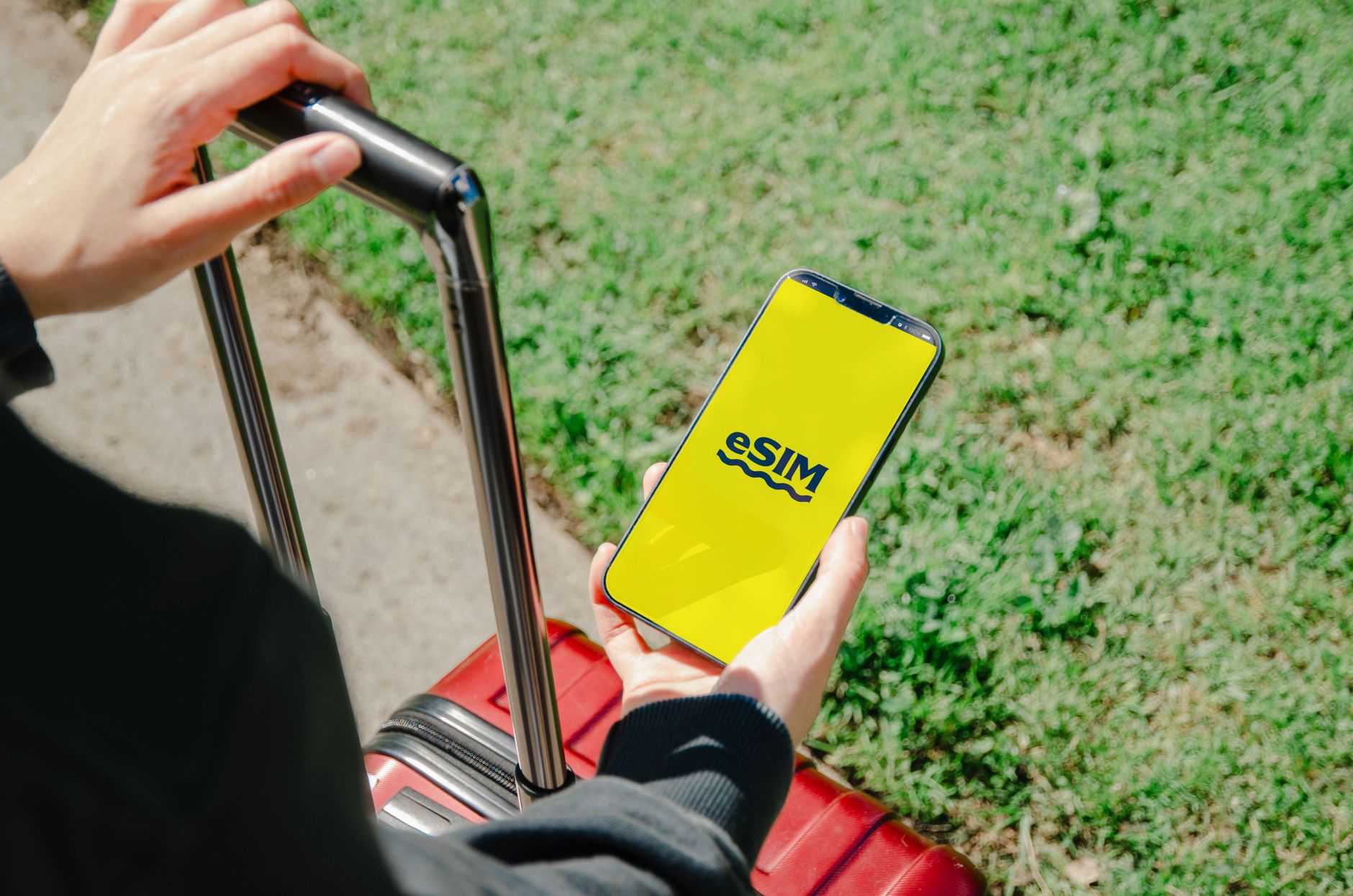
An eSIM bought before departure is the most convenient choice for most visitors: activate it in settings when you land and you have data immediately, often at a lower price than roaming. Physical tourist SIM cards are also available at airports. Either way, you get a data connection on Chinese networks, which is fast and reliable in cities and generally fine on high-speed trains. Note that some travel eSIMs route data through Hong Kong or elsewhere, which affects which apps work — check before you buy if specific apps matter to you.
Wi-Fi only
Hotels, cafes, and airports have Wi-Fi, and many networks accept a phone number for the login code. Wi-Fi alone works for a trip built around guided days, but we do not recommend relying on it — you will want data for maps, payments, and taxis in the street.
Know which apps behave differently
This is the part that surprises people, so let us be direct. The following cannot be used in mainland China without extra steps: Google Search, Gmail, Google Maps, YouTube, WhatsApp, Instagram, and Facebook, among others. They simply will not load on a local data connection.
You have two ways to deal with this:
- Install a reliable VPN before arrival. A VPN routes your connection so blocked services work as usual. It must be set up before you land, because VPN provider sites are themselves difficult to reach from inside China. Choose one with a track record in China and install and test it at home, including the paid plan if you go that way.
- Use local alternatives. Honestly, this is the more pleasant path. Baidu Maps and Amap (Gaode) have excellent English support for navigation, WeChat handles messaging and payments, and Didi — China's main ride-hailing app — can be used directly inside Alipay as a mini-program, so you do not even need a separate download or Chinese phone number.
Most of our travelers end up doing both: a VPN for email and home comforts, local apps for the things China does exceptionally well.
The apps worth installing before you fly
- Alipay — payments everywhere, plus mini-programs for metro codes, attraction tickets, and Didi rides. Setup takes minutes with a foreign card; see our guide to paying in China.
- WeChat — messaging, group chats with your guide or driver, and a second payment option.
- A maps app — Baidu Maps or Amap for walking and metro directions; keep Google Maps only as a backup.
- A translation app — camera-based menu translation and conversation mode are genuinely useful outside the big cities.
- Your VPN, if you want one — installed, logged in, and tested at home, not in the airport queue.

Practical details on the ground
Chinese networks are fast: 5G in cities, solid coverage on rail routes, and usable signal even in most scenic areas, though remote mountain parks like parts of Zhangjiajie have dead zones. Hotel Wi-Fi is free nearly everywhere. Public Wi-Fi exists but often wants a Chinese phone number for verification, so treat it as unreliable and lean on your own data.
Battery becomes the real constraint — maps, payments, and translation all day will drain a phone faster than a normal day at home. Carry a power bank; they are cheap and sold everywhere. For the full pre-departure checklist, our guide to what to pack for China covers chargers, adapters, and the small items people forget.
If you are entering on a short stopover and want to test your setup before a longer trip, the 240-hour visa-free transit policy — current as of 2026 for 57 nationalities — makes that easy; see transit and short stopovers for how it works.

How HXXC Travel helps
Connectivity is part of our pre-departure briefing. When you book a customized itinerary with HXXC Travel, we tell you exactly which apps to install for your route, help you choose between roaming and a local eSIM, and set up a WeChat group with your guide and driver so that help is one message away for the whole trip. Our local team in Guangdong replies within one working day, before departure and throughout your journey.
Travelers who prefer to hand over the logistics entirely often start with the Shanghai in Four Days — Old Town to Neon Skyline itinerary or the Classic China — Beijing & Shanghai Highlights route, both of which include guided days where connectivity, navigation, and bookings are handled for you.
Ready to plan? Plan my China trip and we will come back to you within one working day.
Related private tours
- Best Of China — 20-Day Private Tour — 20 days
- Imperial Beijing, Avatar Mountains & Shanghai — Family Adventure — 11 days · From US$1,250
- Imperial China Family Grand Tour — 17 Days with Disneyland — 17 days